The Anchor Tap Experience
Tap the bracelet or your tap experience item to receive a daily Bible verse or Anchor tap experience on your mobile device. And this is just the beginning — the Anchor Tap Experience is expanding to more than just bracelets, with new ways to tap into Scripture, worship, and encouragement.
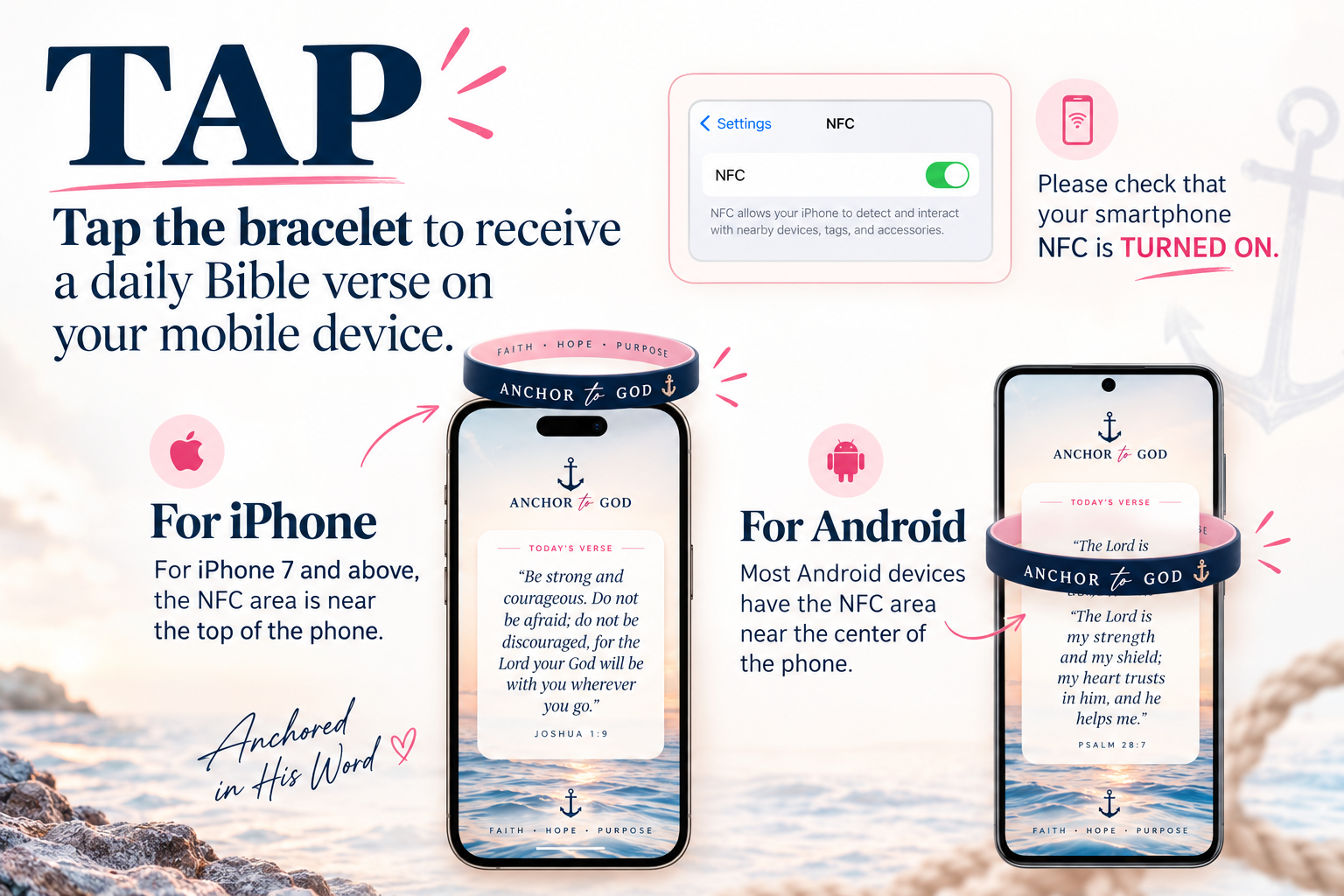
Tap Experience Troubleshooting
Hold your smartphone near the bracelet's patch or logo
Hold the back of your phone flat against the bracelet's patch or logo and hold it steady for a moment — a quick wave may not register the tap.
iPhone devices: Tap near the top edge (by the camera)
For iPhone 7 and above, the NFC reader is near the top edge of the phone, by the camera. Rest that area on the bracelet's patch or logo.
Android/Samsung devices: Tap near the middle or top/bottom back
Most Android and Samsung devices have the NFC area near the middle of the back of the phone; on some models it's toward the top or bottom. Try the middle first, then the top or bottom back.
Open the notification
A small pop-up notification will appear on your phone screen.
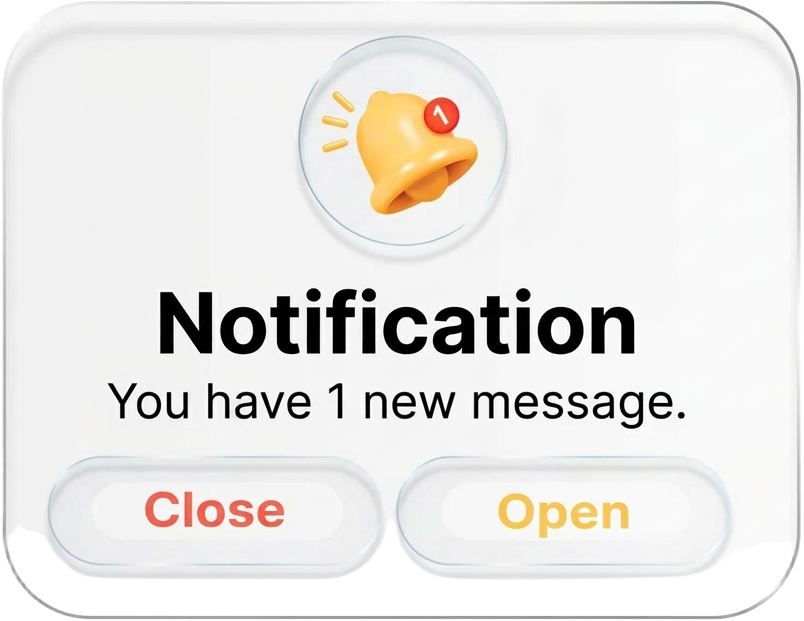
Tap the notification
Tapping the notification opens the Anchor To God tap scripture webpage, displaying a different daily Bible verse and a different worship track with each new tap.
Still having trouble?
Make sure NFC is turned ON in your phone's settings, then email Hello@anchortogod.com — a real person will help you.